
Affiliate disclosure: TheTechVector earns a commission if you buy through links on this page, at no extra cost to you. Our recommendations are based on independent research — we are not paid to favour any brand or retailer. Learn more about how we make money.
If you’re comparing laptops under 40000 in India in 2026 — or specifically hunting for the best laptop under 40000 — the honest summary is this: you’re buying a light-use machine. A ₹40,000 laptop handles browsing, typing, video calls, streaming and office work without complaint, but it asks you to accept an entry-level processor, 8GB of RAM, a screen that might not be IPS, and often no upgrade path. This guide names the models that manage those compromises best, the specs to walk away from, and why the same laptop name can cost ₹35,000 or ₹60,000 depending on the model number.
Last updated: September 2026
Independently researched · No paid placements · Prices checked August 2026
Value Score is our editorial rating — performance, display/build and price-to-spec weighed from the research below — not a lab benchmark or an aggregated review average.
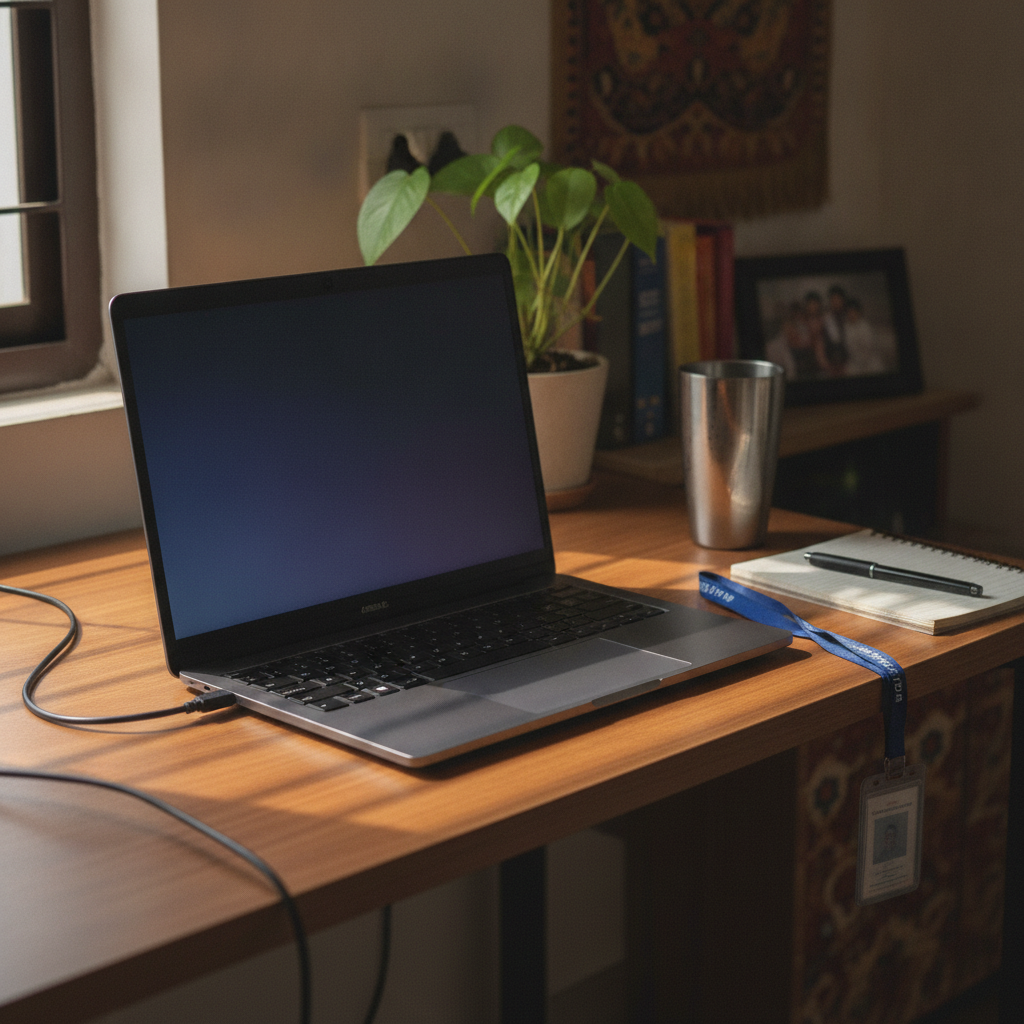
Our top pick is the Lenovo IdeaPad Slim 1 (82VG009MIN) at ~₹34,899 (as of August 2026) — a standard 512GB SSD and LPDDR5 memory for better battery life make it the best all-round choice at this budget.
Get IdeaPad Slim 1 →Want room to add RAM later? The ASUS Vivobook 15 (Core i3 12th Gen) (~₹34,990–35,990, 7.2/10) usually has a free SO-DIMM slot to reach 16GB for a couple of thousand rupees. On the tightest budget, the Acer Aspire 3 (Ryzen 3 7330U) (~₹32,990–36,990, 7.0/10) is the cheapest laptop here with a current-generation chip — buy the 512GB FHD version, not the 256GB HD SKU. If after-sales support in a smaller city matters more than raw speed, the Dell Inspiron 15 3530 (Core i3 13th Gen) (~₹34,989–39,490, 6.0/10) has the widest service reach of the budget brands here.

What ₹40,000 actually buys you in a laptop right now
At ₹40,000 in 2026 you get an entry-level Windows laptop for light work: an AMD Ryzen 3 or Intel Core i3 U-series chip, 8GB of RAM, a 256GB or 512GB SSD, and a 15.6-inch full-HD screen that may or may not be IPS. That runs a dozen browser tabs, MS Office, Zoom, YouTube and basic photo edits on a realistic 5 to 7 hours of battery. It does not do heavy multitasking, video editing, modern AAA games or virtual machines. A year ago this budget bought 16GB and 512GB as standard.
The specs to reject under ₹40,000, no matter how cheap
Walk away from any laptop at this price with the following. They still turn up on old clearance stock and will feel slow within a year.
- HD (1366×768) or TN display — coarse text, poor viewing angles. Change the SKU, not the budget: FHD IPS exists at this price.
- Mechanical HDD or eMMC storage — both make Windows 11 crawl. Insist on an NVMe SSD.
- 256GB SSD — Windows, Office and downloads fill it fast. Prefer 512GB where the price gap is small.
- Celeron, Pentium, Athlon Silver, Intel N100 or N4500 — fine for a ₹25,000 machine, not this one. If your budget only reaches these, a Chromebook or Primebook is the better buy.
- “RAM upgradeable” claims on slim models — most thin-and-light SKUs use soldered LPDDR5 with no slot, so 8GB is permanent.
Check the model number, not the model name
The same laptop family name now spans roughly ₹35,000 to ₹63,000 depending on the SKU, so the model number matters more than the marketing name. Digit lists an HP 15-fd0569TU at ~₹37,990 and Smartprix an HP 15-fc0154AU, on the same Ryzen 3 7320U, from ~₹55,444 (both as of August 2026) — same “HP 15” badge, ₹17,000 apart. The Lenovo IdeaPad Slim 1 82VG009MIN sits at ~₹34,899; the Slim 3 on that same chip runs ~₹47,379 to ~₹63,000 (as of August 2026). Confirm the CPU generation, RAM type (soldered LPDDR versus a SO-DIMM slot), storage size and panel resolution against the retailer’s spec sheet before you pay.
How the 2026 RAM and SSD price crisis hit the budget tier hardest
Laptop prices in India are rising through 2026 — some forecasts put the increase as high as around 35% — because DDR memory prices have jumped roughly 2.5 to 3 times and entry-level Intel processors are in short supply (reported and forecast figures, not our numbers). The budget segment takes the hardest hit: some models that sold below ₹35,000 have been repriced to ₹40,000–₹45,000, and vendors are trimming configs to hold a price point — 8GB where last year’s version had 16GB, 256GB where it had 512GB.
So a 2026 SKU can be worse hardware than the 2025 one at the same price, and the crunch is expected to run into late 2027. Buy now if you need the laptop; prices are trending up, not down.
Best laptops under ₹40,000 at a glance
All four picks below are buyable at or under ₹40,000 as of August 2026. Prices move weekly, so check the live price through the links before you decide.
| Model | CPU | RAM | Storage | Display | ~Price (Aug 2026) |
|---|---|---|---|---|---|
| Lenovo IdeaPad Slim 1 (82VG009MIN) | Ryzen 3 7320U | 8GB LPDDR5 (soldered) | 512GB SSD | 15.6″ FHD | ~₹34,899 |
| ASUS Vivobook 15 (X1502ZA) | Core i3 12th Gen | 8GB DDR4 (slot likely) | 512GB SSD | 15.6″ FHD | ~₹34,990–35,990 |
| Acer Aspire 3 / Aspire 15 | Ryzen 3 7330U / 7320U | 8GB | 256GB–512GB SSD | 15.6″ FHD (check) | ~₹32,990–36,990 |
| Dell Inspiron 15 3530 | Core i3 13th Gen | 8GB | 512GB SSD | 15.6″ (check FHD) | ~₹34,989–39,490 |
Best for most people
Lenovo IdeaPad Slim 1 (Ryzen 3 7320U) — the best balance of a current chip, a standard 512GB SSD and a price comfortably under budget. The 8GB RAM is soldered for life.
Best OverallBest if you want an upgrade path
ASUS Vivobook 15 (Core i3 12th Gen) — the traditional chassis usually has a spare SO-DIMM slot, so you can reach 16GB later for a couple of thousand rupees.
Best Upgrade PathCheapest solid pick
Acer Aspire 3 (Ryzen 3 7330U) — the lowest entry price for a current-generation chip, if you buy the 512GB FHD version, not the rock-bottom 256GB HD SKU.
Cheapest Solid PickBest for after-sales peace of mind
Dell Inspiron 15 3530 (Core i3 13th Gen) — the widest service reach of the budget brands in smaller cities, plus a sturdier build. Buy it for the support, not the speed.
Best After-Sales SupportBest laptop under ₹40,000 for most people: Lenovo IdeaPad Slim 1
The Lenovo IdeaPad Slim 1 (82VG009MIN) is the pick for most buyers at around ₹34,899 (as of August 2026). It runs an AMD Ryzen 3 7320U — four cores, eight threads, Radeon 610M graphics — with 8GB of LPDDR5 memory and a 512GB NVMe SSD as standard, not an upsell. The LPDDR5 memory draws less power than older DDR4, so light-use battery life lands at a realistic 6 to 7 hours, the better end of this segment.
The 15.6-inch full-HD panel is fine at around 250 nits; check the listing for IPS versus TN on the exact SKU. The catch is the RAM — soldered at 8GB with no slot, so you will never upgrade it, though for browsing, study and office work that is enough in 2026. The base model also skips a backlit keyboard.

Pros
- Current Ryzen 3 chip and 512GB SSD as standard
- LPDDR5 memory helps battery last a full college day
- Comfortably under ₹40,000
Cons
- 8GB RAM is soldered — no upgrade, ever
- Dim panel, IPS not guaranteed on every SKU
- No backlit keyboard on the base model
ASUS Vivobook 15 (Core i3, 12th Gen) — the pick with room to grow
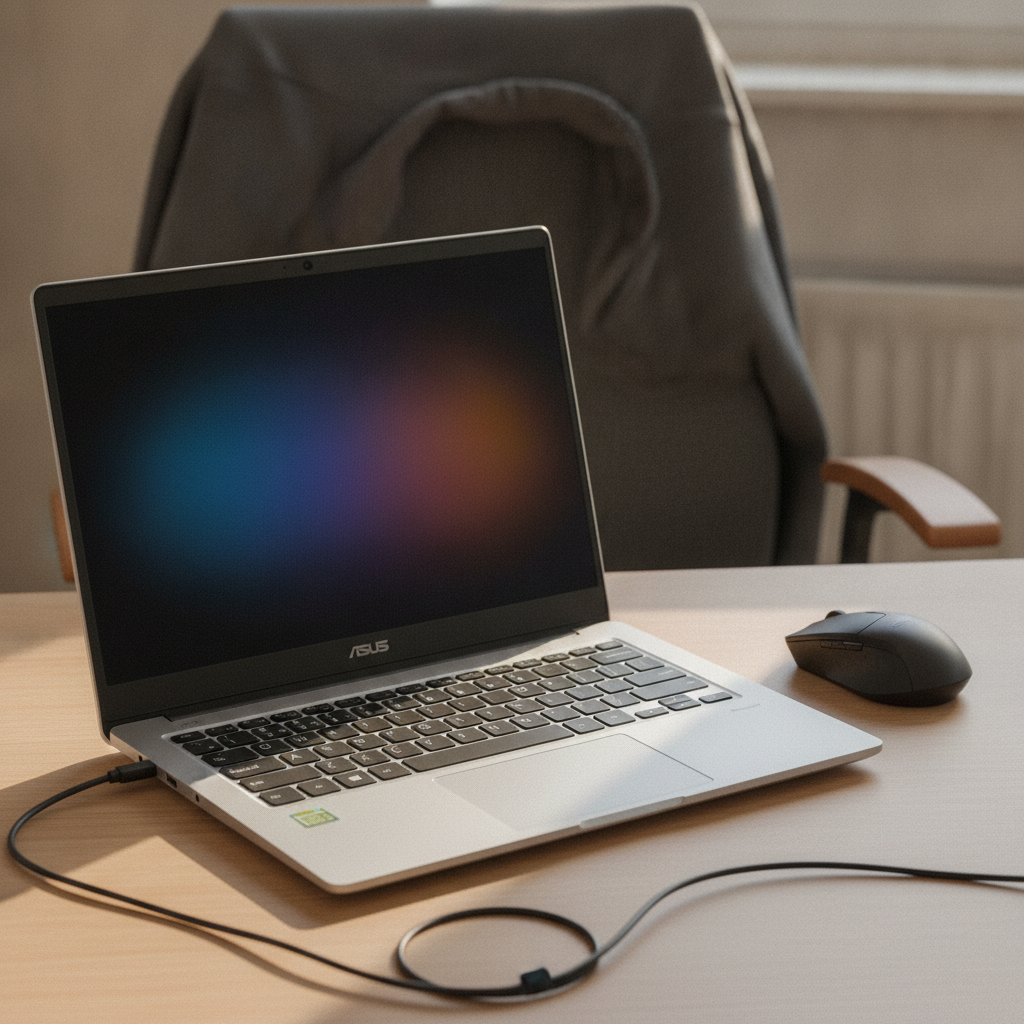
The ASUS Vivobook 15 (X1502ZA) costs about the same as the Lenovo — ~₹34,990 to ~₹35,990 (as of August 2026) — but earns its place for the upgrade path. It uses a traditional 15.6-inch chassis with DDR4 memory, and most SKUs in this line ship with one RAM stick and a free SO-DIMM slot. Add a matching 8GB stick for roughly ₹2,000 and you have a 16GB laptop that stays comfortable for years. Confirm the spare slot on your exact model, as ASUS has moved some newer SKUs to soldered memory.
The Intel Core i3-1215U (or the similar 1235U) is a six-core chip whose multi-core throughput is a step ahead of the Ryzen 3 7320U for spreadsheets and tabs, and the keyboard is one of the better ones in this bracket. Trade-offs: DDR4 puts battery life closer to 5 to 6 hours, the cheapest SKU can carry a 250-nit non-IPS panel, and the chassis flexes under a firm press.
Pros
- Spare SO-DIMM slot on most SKUs — cheap path to 16GB
- Core i3-1215U multi-core is a genuine step up for office work
- Good keyboard with a number pad
Cons
- DDR4 platform means slightly weaker battery life
- Cheapest SKU may have a dim non-IPS screen
- Some chassis flex
Acer Aspire 3 — the cheapest way into a current Ryzen 3
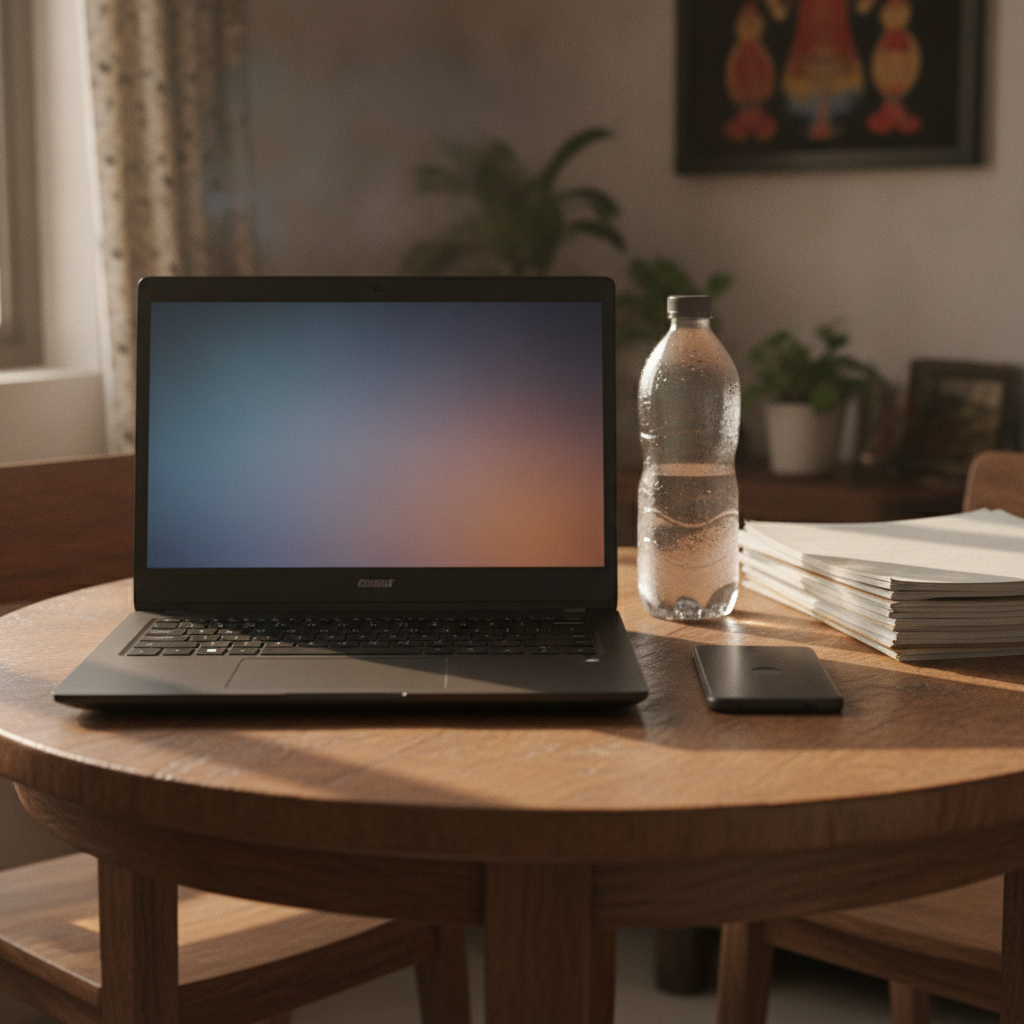
The Acer Aspire 3 (and its Aspire 15 sibling) is the lowest-cost route to a current-generation chip, from ~₹32,990 to ~₹36,990 (as of August 2026). The version to buy is the Ryzen 3 7330U or 7320U with 8GB RAM, a 512GB SSD and a 15.6-inch full-HD IPS panel — near the bottom of this list on price while still clearing the spec bar.
It is not our top pick because the cheapest Aspire 3 SKUs are where corners get cut — the rock-bottom configs pair the same chassis with a 256GB SSD, an HD 1366×768 panel, or both, and those show up first when you sort by price. Spend the extra ₹2,000 to ₹3,000 on the 512GB FHD version. Build is plain plastic, battery is average at around 5 hours, and the speakers are weak, but Acer’s service network is wide — which counts when a ₹35,000 laptop is rarely worth an out-of-warranty board repair.
Pros
- Lowest entry price for a current Ryzen 3 chip
- Wide Acer service network across India
- The right SKU has a 512GB SSD and FHD IPS panel
Cons
- Cheapest SKUs cut the SSD to 256GB or the panel to HD
- Plain plastic build and weak speakers
- Average battery life
Dell Inspiron 15 3530 — buy it for the service network, not the speed
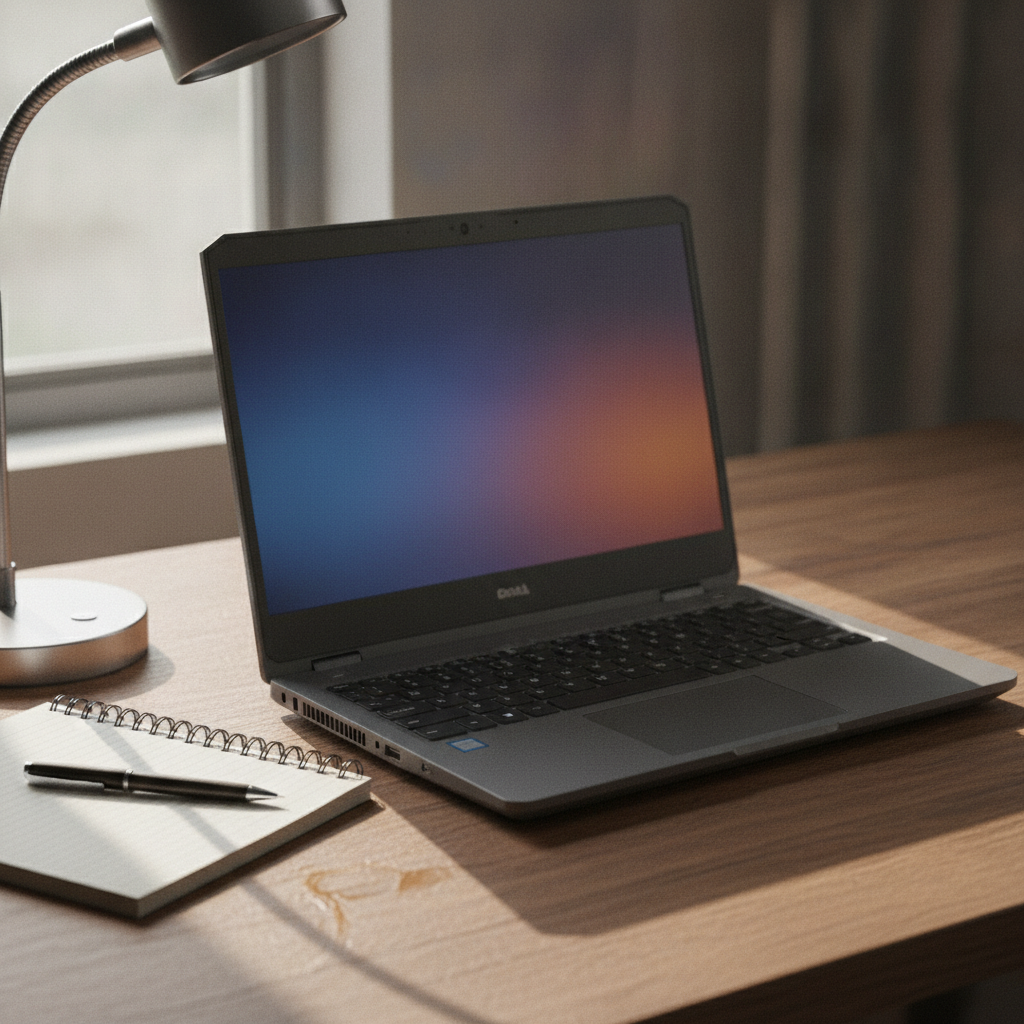
The Dell Inspiron 15 3530 runs from ~₹34,989 to ~₹39,490 (as of August 2026). It pairs an Intel Core i3-1305U — five cores, six threads, one performance core plus four efficient ones — with 8GB of RAM and a 512GB NVMe SSD in a 15.6-inch chassis. That i3-1305U is the slowest processor of these four picks: it trails the six-core Core i3-1215U in the ASUS on spreadsheets and heavier multitasking. For browsing, documents, email, classes and video calls it keeps pace.
The reason to choose it is Dell’s after-sales network, which reaches further into smaller cities than most budget rivals, alongside a build that feels sturdier than the plastic Lenovo and Acer entries. Watch the SKU closely: the cheapest Inspiron 15 3530 configs still ship with an HD panel and a narrow-angle WVA screen rather than full-HD IPS, so confirm the listing says 1920×1080 before you pay. Battery life is average at around 5 hours.
Pros
- Widest Dell service reach in smaller cities
- Sturdier build than the plastic Lenovo and Acer picks
- 512GB SSD and a current 13th Gen platform, from under ₹35,000
Cons
- Core i3-1305U is the slowest chip of the four picks
- Cheapest SKUs use an HD, non-IPS panel — check first
- Average battery life at around 5 hours
How the four picks under ₹40,000 compare
All four picks clear the same spec bar, so the choice comes down to what each does best — battery life, an upgrade path, the lowest price, or service reach. Our HP vs Dell vs Lenovo brand comparison covers the service networks if that is your deciding factor.
| Model | CPU | RAM (type) | Storage | Display | ~Price (Aug 2026) | Best for |
|---|---|---|---|---|---|---|
| Lenovo IdeaPad Slim 1 | Ryzen 3 7320U | 8GB LPDDR5 (soldered) | 512GB SSD | 15.6″ FHD | ~₹34,899 | Most people; best battery |
| ASUS Vivobook 15 | Core i3 12th Gen | 8GB DDR4 (slot likely) | 512GB SSD | 15.6″ FHD | ~₹34,990–35,990 | Upgrade path to 16GB |
| Acer Aspire 3 | Ryzen 3 7330U | 8GB (varies) | 256GB–512GB SSD | 15.6″ FHD/HD (check) | ~₹32,990–36,990 | Lowest price on a current chip |
| Dell Inspiron 15 3530 | Core i3 13th Gen | 8GB | 512GB SSD | 15.6″ (check FHD) | ~₹34,989–39,490 | Service reach and build |
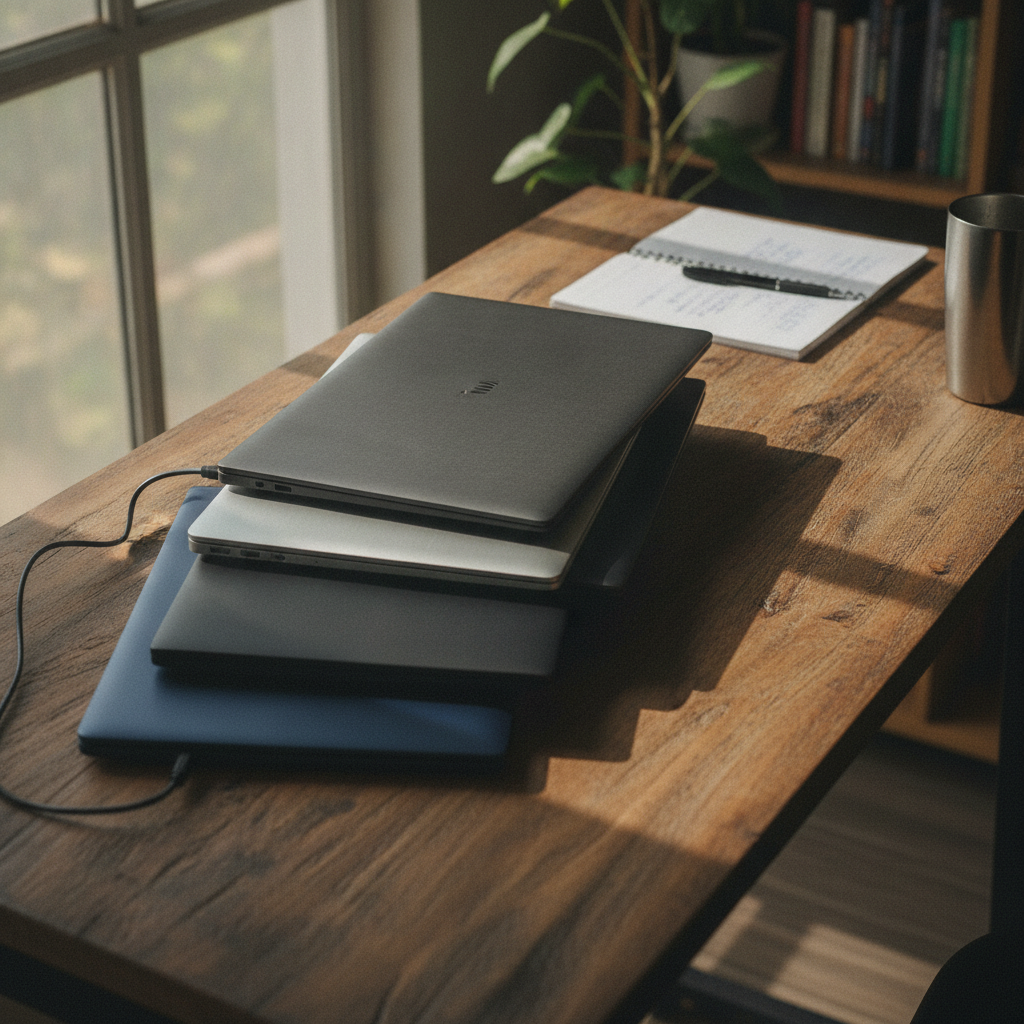
Windows, Chromebook, or Primebook: Which Should You Buy Under ₹40,000?
Buy Windows unless your entire workload lives online. A Chromebook or a Primebook is cheaper and simpler, but only makes sense if you never need full MS Office, offline coursework, or any coding. Students especially should consider full Windows laptops for coursework compatibility.
The Primebook 2 Max runs ~₹28,999 to ~₹32,990 (as of August 2026) on a MediaTek Helio G99 and PrimeOS, an Android-based system that runs Android apps natively and bundles a Windows Cloud PC option. Storage is not upgradeable. It is reasonable for pure online courses, browsing and video, and the wrong choice for heavy MS Office work, offline assignments or coding. Chromebooks are thin on the ground in India and struggle offline. Windows is the safe default: it runs Office offline, every college portal, and beginner coding tools.
₹30,000 vs ₹40,000 vs ₹50,000: Which Laptop Budget Is Right for You?
The right budget depends on how hard you will push the machine.
Stick to ₹30,000 if
Your use is pure browsing, typing, video and online classes, or you are happy with a Chromebook or Primebook. At this level you accept older chips, 256GB storage and dimmer panels. Check our best laptop under ₹30,000 guide; for now, look at the Primebook 2 Max or a well-chosen Acer Aspire 3. If ₹20,000 is your hard ceiling, our best laptop under ₹20,000 guide covers that tier directly.
₹40,000 is right if
You need Windows for light work and study, can live with 8GB of RAM and possibly a non-IPS screen, and do not run heavy multitasking. This tier gets you a current Ryzen 3 or Core i3, a 512GB SSD and a full-HD screen, but one weak link per laptop is normal.
Stretch to ₹50,000 if
You want one dependable all-rounder rather than a light-use machine with asterisks — a guaranteed current-generation CPU, a full-HD IPS panel, a 512GB SSD and sometimes 16GB of RAM. Our best laptop under ₹50,000 guide covers that tier, and its ₹40,000-versus-₹50,000 section is the one to read if you are on the fence.
How and when to buy: timing the price rise, warranty, and what to check
Buy now if you need the laptop — prices in this tier are trending up, not down — but time it for a festive sale if you can wait a few weeks. The Amazon Great Indian Festival and Flipkart Big Billion Days are expected around late September to mid-October 2026, dates unconfirmed. Those sales, plus bank-card instant discounts and no-cost EMI, are the main levers a budget buyer has against the price rise. Our festive sale laptop deals guide tracks what is worth buying in those windows. If you are refreshing a TV in the same sale, our best smart TV under ₹25,000 guide covers that tier. If your budget is nearer ₹35,000, our best laptop under ₹35,000 guide covers that tier.
Before you pay, run through this checklist:
- Confirm the exact model number against the retailer’s spec sheet, not the family name.
- Check the CPU: Ryzen 3 7320U/7330U or Core i3 12th/13th Gen. Reject anything older or weaker.
- Confirm the display is 1920×1080, and IPS if the SKU offers it.
- Confirm storage is a 512GB NVMe SSD; accept 256GB only if the price gap is large.
- Check whether the RAM is soldered or has a free SO-DIMM slot.
- Check the warranty and whether there is a service centre in your city.
- Compare the live Amazon price against Flipkart before checkout.
Frequently asked questions
What do you actually get in a laptop under 40000 in India?
Laptops under 40000 in India in 2026 are light-use machines: an AMD Ryzen 3 or Intel Core i3 U-series chip, 8GB of RAM, a 256GB or 512GB SSD, and a 15.6-inch full-HD screen that may or may not be IPS. That’s enough for browsing, MS Office, Zoom, YouTube and basic photo edits, but not heavy multitasking, video editing, modern AAA games or virtual machines. A year ago this budget bought 16GB and 512GB as standard, so check the exact model number before buying.
Which is the best laptop under ₹40,000 in India right now?
The Lenovo IdeaPad Slim 1 (82VG009MIN) is the best all-round pick for most buyers at ~₹34,899 (as of August 2026), with a current Ryzen 3 7320U chip, a standard 512GB SSD and good battery life. Choose the ASUS Vivobook 15 if you want to add RAM later, or the Dell Inspiron 15 3530 if after-sales service in a smaller city matters most.
Is 8GB RAM enough for a laptop in 2026?
8GB of RAM is the practical floor for Windows 11 in 2026 and is enough for browsing, MS Office, video calls and streaming with a sensible number of tabs. It feels tight with 25-plus tabs and a call at once, or with heavy design tools. At this price 8GB is usually soldered, so if your needs may grow, pick a model with a spare RAM slot like the ASUS Vivobook 15.
Is a Core i3 or Ryzen 3 enough for daily use, study and office work?
A current Core i3 (12th or 13th Gen) or Ryzen 3 (7320U/7330U) handles daily use, college work and office tasks without lag — documents, spreadsheets, email, web research and video calls all run fine. These chips struggle only with sustained heavy loads like video export, large codebases or virtual machines.
Can I do programming or web development on a laptop under ₹40,000?
Programming is workable on a ₹40,000 laptop with a Ryzen 3 or Core i3 and 8GB of RAM for learning, web development and light projects — a code editor, a browser and a local server run fine. It gets painful with heavy IDEs, Android Studio, containers, virtual machines or machine-learning work. If coding is your main use, our best laptop for programmers guide is the one to read, though its picks start closer to ₹50,000.
Is a 256GB SSD enough, and can I add more storage or RAM later?
A 256GB SSD is workable for a student who keeps files in the cloud, but Windows, Office and downloads fill it quickly, so a 512GB SSD is worth the small premium. Storage can usually be upgraded later via the M.2 slot; RAM on most slim laptops at this price is soldered, so check for a free SO-DIMM slot first.
Are laptop prices going up in India in 2026 — should I buy now or wait?
Laptop prices in India are rising through 2026, with some forecasts pointing to increases as high as around 35%, driven by a DDR memory price spike and an entry-level Intel chip shortage expected to last into late 2027. Buy now if you need the laptop; prices are not expected to fall soon. The only saving worth waiting for is a festive-sale discount in late September or October.
Windows, Chromebook or Primebook — which is better for a student under ₹40,000?
Windows is the safe choice for a student because it runs MS Office offline, every college portal and beginner coding tools. A Primebook (PrimeOS/Android) or a Chromebook is cheaper and fine if the entire workload is online, but both fall short for offline assignments, heavy Office use or programming. Pick the OS around whether you ever work without internet.
Can you play games on a laptop under ₹40,000?
Gaming on a ₹40,000 laptop is limited to lighter and older titles at low settings, because every model at this price uses integrated graphics with no discrete GPU. Valorant, GTA V, older FIFA and most esports games are playable; modern AAA titles are not. If games are your main reason for buying, our best gaming laptop under ₹60,000 guide covers the entry point for real gaming.
Which is the best Acer laptop under ₹40,000?
The Acer Aspire 3 is the best Acer pick under ₹40,000, from ~₹32,990 to ~₹36,990 (as of August 2026) — the cheapest route to a current-generation Ryzen 3 7330U or 7320U chip. Buy the 512GB SSD, full-HD IPS SKU rather than the cut-down 256GB or HD-panel version, and lean on Acer’s wide India service network.
Which is the best Dell laptop under ₹40,000?
The Dell Inspiron 15 3530 is the best Dell pick under ₹40,000, from ~₹34,989 to ~₹39,490 (as of August 2026). It’s not the fastest of the four picks here — the Core i3-1305U trails the ASUS’s Core i3-1215U — but Dell’s after-sales network reaches further into smaller cities and the build feels sturdier than the plastic Lenovo and Acer entries.
Which is the best ASUS laptop under ₹40,000?
The ASUS Vivobook 15 (X1502ZA) is the best ASUS pick under ₹40,000, at ~₹34,990 to ~₹35,990 (as of August 2026). Most SKUs ship with a spare SO-DIMM slot, so adding a matching 8GB stick for roughly ₹2,000 turns it into a 16GB laptop — the best upgrade path in this budget tier. Confirm the spare slot on your exact model first, as some newer SKUs have moved to soldered memory.
Which laptop under ₹40,000 is best for business or office use?
The Dell Inspiron 15 3530 is the best business pick under ₹40,000 — Dell’s after-sales network reaches further into smaller cities than its rivals here, and the build feels sturdier than the plastic Lenovo and Acer entries, which matters more for daily office use than the slightly slower chip.
Check today’s prices under ₹40,000
Prices move week to week right now — check the current price and exact SKU before you buy.

Written by Vaibhav Kulkarni
Vaibhav is the founder and technical editor of TheTechVector, with 15 years’ experience in quality engineering and software testing. He applies that background to auditing spec sheets, comparing price-to-performance, and checking hardware compatibility across our India laptop and TV buying guides. All prices are checked before publication — if something’s out of date, let us know.
Affiliate disclosure: This article contains affiliate links. TheTechVector may earn a commission if you purchase through these links, at no additional cost to you. As an Amazon Associate, we earn from qualifying purchases. We only recommend products we have researched independently. Prices correct at time of publication — always check the retailer’s site for the latest price. Last reviewed: August 2026.