
Affiliate disclosure: TheTechVector earns a commission if you buy through links on this page, at no extra cost to you. Our recommendations are based on independent research — we are not paid to favour any brand or retailer. Learn more about how we make money.
Best Laptop for Coding and Programming in India (2026)

Finding the best laptop for programming — or, more specifically, the best laptop for coding and programming in India — means balancing RAM, processor power, and battery life against a budget that doesn’t stretch to import MacBook prices. This guide breaks down real picks across the ₹45,000 to ₹1,10,000+ range, sorted by coding workload — web development, app development, data science, and DevOps — so you can match a machine to what you’ll actually build, not just a generic spec sheet.
Last updated: August 2026
Independently researched · No paid placements · Prices checked August 2026
Value Score is our editorial rating — performance, display/build and price-to-spec weighed from the research below — not a lab benchmark or an aggregated review average.
The best laptop for coding and programming in India in 2026 is the Lenovo IdeaPad Slim 5, at around ₹86,190 (as of August 2026) — 16GB RAM as standard and a hexa-core Ryzen 5 make it our best overall value pick at 7.7/10.
Get Lenovo IdeaPad Slim 5 →Working in data science or machine learning? The Lenovo LOQ Gaming (~₹73,499, 7.3/10) adds a dedicated GPU for CUDA and PyTorch at a lower price than any of the others here. For DevOps or business use where a laptop needs to survive daily commuting, the Lenovo ThinkPad E14 Gen 7 (~₹1,02,990, 7.2/10) has the sturdiest build in this guide. If a sharp display matters most and budget is flexible, the ASUS Vivobook 15 (2026) (~₹1,07,990, 7.3/10) leads there, though it’s priced above its performance alone. macOS or iOS developers should skip the Windows picks entirely and look at the Apple MacBook Air M4 (~₹89,990) instead.
Quick Comparison — Best Laptops for Programmers in India (2026)
These five laptops cover every major programming budget and workload in India right now, from a ~₹73,000 gaming-crossover machine to premium 16GB ultrabooks.
| Laptop | Best For | Price (approx, Aug 2026) |
|---|---|---|
| Lenovo IdeaPad Slim 5 (Ryzen 5 7530U) | Best overall value | ~₹86,190 |
| ASUS Vivobook 15 (2026, Core 5) | Best display on a premium budget | ~₹1,07,990 |
| Lenovo ThinkPad E14 Gen 7 | Best build quality / DevOps | ~₹1,02,990 |
| Lenovo LOQ Gaming | Best for data science / ML | ~₹73,499 |
| Apple MacBook Air M4 (13″, 16GB) | Best for macOS / iOS developers | ~₹89,990 |
Quick Verdict: Best Picks at a Glance
Best Overall Value: Lenovo IdeaPad Slim 5 — 16GB RAM standard, hexa-core Ryzen 5, ~₹86,190 (as of August 2026).
Best Overall ValueBest for Data Science / ML: Lenovo LOQ Gaming — dedicated GPU for CUDA/PyTorch, ~₹73,499 (as of August 2026).
Best for Data ScienceBest Build Quality: Lenovo ThinkPad E14 Gen 7 — business-grade chassis, ~₹1,02,990 (as of August 2026).
Best Build QualityBest for macOS Developers: Apple MacBook Air M4 (13″, 16GB) — for iOS development or Unix-based tooling, ~₹89,990 (as of August 2026).
Best Budget Pick (~₹45,000 tier): An entry Ryzen 3/i3, 8GB RAM (upgradeable), 512GB SSD — workable for students starting out, though 16GB is the safer choice.
What Makes a Laptop Good for Programming?
A good programming laptop needs at least 16GB RAM, a mid-range processor (Ryzen 5, Core i5, or newer), a 512GB SSD, and a screen you can read comfortably for eight hours — a dedicated GPU only matters if you’re doing data science or machine learning work.
RAM is the single biggest factor. Running a code editor, a browser with a dozen tabs, and Docker containers together eats memory fast. 8GB is workable for learning the basics; 16GB is the practical baseline for real project work, and 24–32GB helps with multiple VMs or Android Studio emulators.
Processor and storage matter next. A Ryzen 5 or Core i5 (or the newer Core 5/7 naming) handles compiling and everyday multitasking without lag. Pair it with a 512GB SSD — runtimes, IDE caches, node_modules folders, and Docker images fill up storage faster than expected.
Battery, weight, and warranty are easy to overlook until you’re carrying the laptop daily. If you travel for work or study, check whether the brand offers international warranty coverage — useful if you relocate for an internship or a remote role, and something most India programming-laptop guides skip.
Which Laptop Is Best for Programmers by Budget in India?
Budget matters less than which tier you land in — each ₹10,000–₹20,000 step changes the RAM ceiling or the chip generation, not just the price tag. Here’s the best coding and programming laptop at each budget:
Best laptop for coding and programming under ₹30,000
Expect real compromises at this tier — 8GB RAM that’s often not upgradeable, an older-generation chip, and a smaller SSD. It’s workable for HTML/CSS, basic Python scripts, and coursework, not for Android Studio or Docker-heavy workflows. See our best laptop under ₹30,000 guide for the strongest picks at this tier.
Best laptop for coding and programming under ₹40,000
₹40,000 typically buys a current-generation Ryzen 3 or Core i3 with 8GB RAM and a 512GB SSD — enough for VS Code, a browser, and light web development, but tight once Android Studio or multiple Docker containers enter the picture. Our best laptop under ₹40,000 guide covers specific picks.
Best laptop for coding and programming under ₹50,000
This is where 16GB RAM starts becoming realistic rather than a paid upgrade, and the CPU steps up to a genuine Ryzen 5 or Core i5 — a meaningfully better fit for web development and light app development than the tiers below it. See our best laptop under ₹50,000 guide for picks.
Best laptop for coding and programming under ₹70,000
Our overall pick for programmers, the Lenovo IdeaPad Slim 5, sits just above this ceiling at ~₹86,190. At ₹70,000 itself, the entry-tier laptops in our best laptop under ₹60,000 guide — 16GB RAM standard, current-gen Ryzen 5 or Core i5 — already cover most programming workloads comfortably without a dedicated GPU.
Best laptop for coding and programming under ₹90,000
The Lenovo IdeaPad Slim 5 (~₹86,190) is our overall pick for programmers and fits comfortably under this ceiling — 16GB RAM and a hexa-core Ryzen 5 handle web development, app development, and DevOps work well. Need a dedicated GPU for data science or ML instead? The Lenovo LOQ Gaming (~₹73,499) also fits here.
Best laptop for coding and programming under ₹1 lakh
Both the Lenovo IdeaPad Slim 5 (~₹86,190) and the Apple MacBook Air M4 (~₹89,990, for macOS specifically) fit comfortably under ₹1,00,000. The Lenovo ThinkPad E14 Gen 7 (~₹1,02,990) — our pick for DevOps and business use — sits just over this ceiling, so budget a little extra if its business-grade build is the priority.
Which Laptop Is Best for Your Coding Workload — Web, App, Data Science, DevOps?
Your workload matters more than your budget when picking specs — a web developer and a machine-learning student need very different laptops even at the same price point.
Web development: The IdeaPad Slim 5’s 16GB RAM and Ryzen 5 chip run VS Code, a local dev server, Node, and dozens of browser tabs at once without lag. No GPU needed here.
App development: Android Studio’s emulator is memory-hungry, so 16GB is the realistic minimum and 24GB+ is more comfortable. The Vivobook 15’s DDR5 RAM and the ThinkPad E14 both handle this better than 8GB entry laptops.
Data science / ML: Local model training with pandas, NumPy, TensorFlow, or PyTorch runs noticeably faster with a dedicated GPU. The LOQ Gaming’s RTX-class graphics card handles CUDA workloads without renting cloud GPU time for every experiment.
DevOps: Running several Docker containers or VMs side by side benefits from RAM headroom and a durable keyboard for long terminal sessions. The ThinkPad E14’s business-grade build and port selection suit this better than a consumer laptop.
Windows, Linux, or Mac — Which Should a Programmer Buy?
Windows with WSL2 is the practical default for most Indian programmers — it gives you a real Linux environment alongside familiar Windows software and the widest hardware choice at every budget.
WSL2 (Windows Subsystem for Linux) runs an actual Ubuntu terminal inside Windows, giving you Linux command-line tools for backend and DevOps work without giving up Windows apps and the wider laptop selection. This is the setup most web and backend developers in India end up using.
Native Linux suits programmers comfortable troubleshooting drivers and graphics quirks themselves — it’s lighter on resources and closer to production server environments, but rougher if you’re new to it.
macOS is worth the premium mainly for iOS development, which requires a Mac, and for developers who prefer Apple’s Unix-based tooling. The MacBook Air M4 (13″, 16GB/256GB) runs ~₹89,990 (as of August 2026) — typically ₹15,000–₹30,000 more than a similarly-specced Windows laptop, so it suits programmers with the budget rather than everyone.
Lenovo IdeaPad Slim 5 — Best Overall Value for Programmers

The Ryzen 5 7530U hexa-core processor handles VS Code, dozens of browser tabs, and a few Docker containers at once without slowdown. 16GB RAM comes as standard here rather than an 8GB base you’re forced to upgrade, and the 512GB NVMe SSD gives room for multiple runtimes and bulky node_modules folders. It’s priced at ~₹86,190 on Flipkart (as of August 2026).
The 15.6″ FHD IPS display and all-day battery make it a solid desk companion for long coding sessions. The plastic chassis is fine for home or hostel use but feels less reassuring than a metal-bodied laptop if you commute with it daily.
Pros
- 16GB RAM as standard, not an upgrade
- Hexa-core Ryzen 5 handles multitasking well
- Strong value at ~₹86,190
- All-day battery for desk-based coding
Cons
- Plastic build feels light-duty for daily commuting
- No dedicated GPU for ML workloads
ASUS Vivobook 15 (2026) — Best Display on a Premium Budget
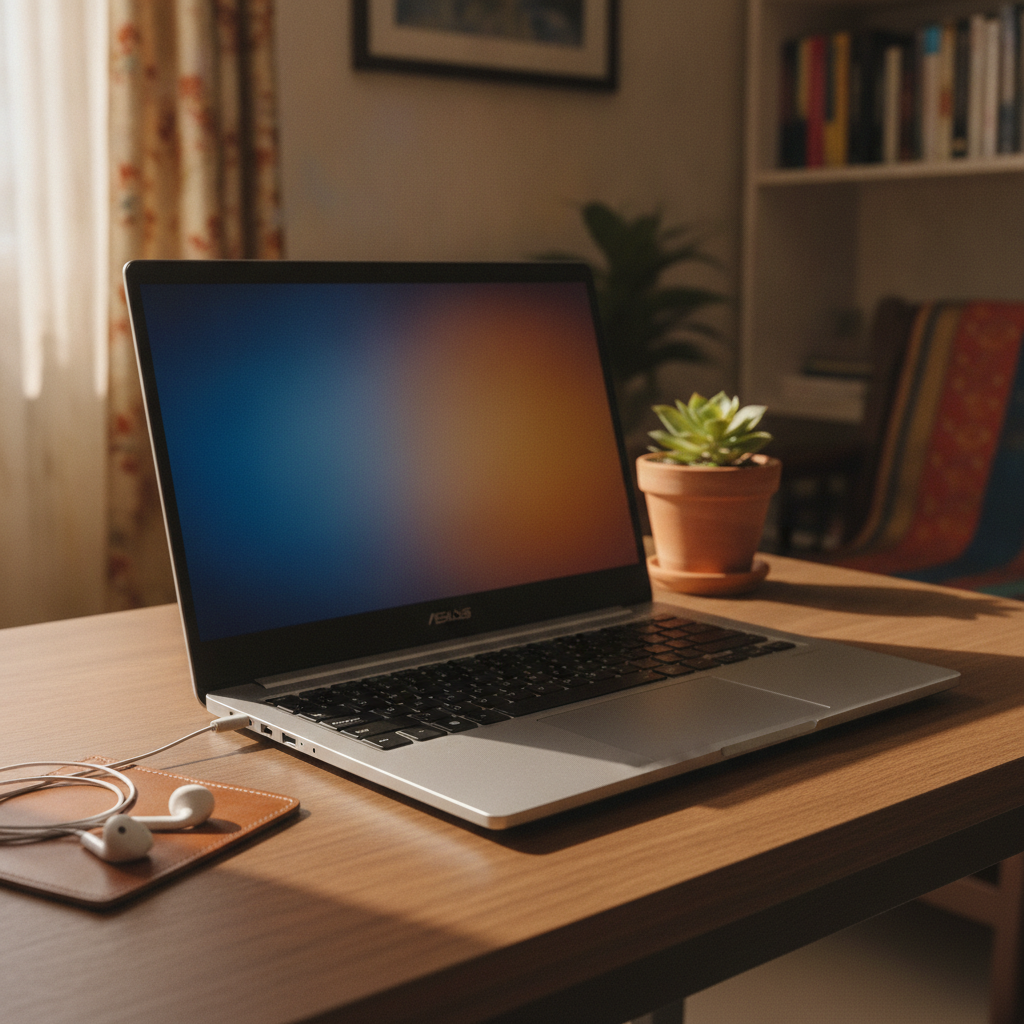
This 2026 configuration pairs an Intel Core 5 Series 3 processor with 16GB DDR5 RAM and a 512GB SSD, priced at ~₹1,07,990 (as of August 2026). DDR5 gives a small but real edge over DDR4 rivals when juggling an IDE, several browser windows, and a local server at once. The FHD display is colour-accurate enough to matter for frontend or UI work.
Build quality and keyboard feel are reliable for daily use, though pricing sits closer to premium territory for a laptop with no dedicated GPU. ASUS also sells an older Vivobook Pro 15 OLED variant (12th Gen i5, RTX 3050) at a similar ~₹1,10,990 on Flipkart — a different SKU under a near-identical name, so confirm the exact model code before ordering.
Pros
- DDR5 RAM for better multitasking
- Sharp, colour-accurate display
- Capable Core 5 chip for daily coding
Cons
- Premium pricing for a non-gaming laptop
- Several near-identical Vivobook SKUs — easy to buy the wrong config
Lenovo ThinkPad E14 Gen 7 — Best Build Quality for DevOps and Business Use
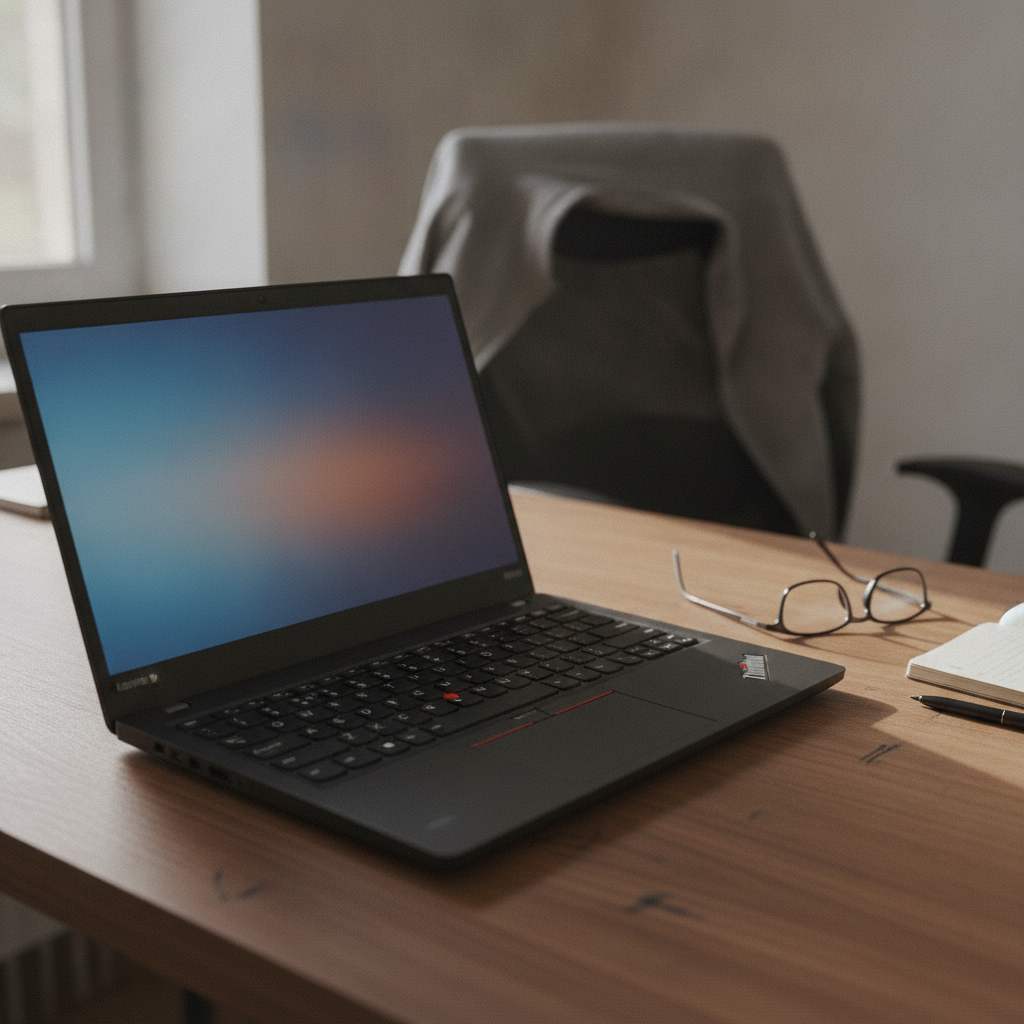
The ThinkPad line’s magnesium-reinforced chassis and keyboard are built for people who type all day — DevOps engineers running long terminal sessions will notice the difference over a consumer laptop. This configuration runs ~₹1,02,990 on Amazon.in (as of August 2026), discounted from an MRP of ~₹1,35,000.
A fingerprint reader and TPM chip for enterprise security come standard, and the port selection (HDMI plus multiple USB-A/C) makes it easy to dock to an external monitor for several VMs at once. ThinkPad E14 listings vary a lot by configuration — some sources quote ₹62,000–₹85,000 for the same model name, likely a different spec — so confirm the exact SKU before buying.
Pros
- Durable, business-grade build quality
- Excellent keyboard for long typing sessions
- Fingerprint reader and TPM security
- Good port selection for docking
Cons
- Higher price than similarly-specced consumer laptops
- Listings vary widely by configuration — check the exact spec sheet
Lenovo LOQ Gaming — Best for Data Science and Machine Learning

This is a gaming laptop with a dedicated NVIDIA RTX-class GPU, priced at ~₹73,499 (as of August 2026 — verify against a live listing, since gaming SKU prices shift often). GPU acceleration matters if you’re training models locally with CUDA and PyTorch rather than renting cloud GPU time for every experiment — a real saving for students and freelancers.
The trade-offs show up away from the desk: it weighs over 2.2kg, battery life drops under sustained compute load, and the fans get loud once the GPU kicks in during a training run. Worth it if your coursework genuinely involves local model training; not if it doesn’t.
Pros
- Dedicated GPU for CUDA/ML workloads
- Strong value per rupee if you need a GPU
- Capable multi-core CPU for compiling
Cons
- Heavier and bulkier than an ultrabook
- Battery drains fast under sustained compute load
- Fan noise during heavy training runs
Full Comparison — Specs and Prices Side by Side
Here’s every spec that actually affects coding performance, laid out side by side so you can compare without reopening five browser tabs.
| Laptop | Processor | RAM | Storage | Price (approx, Aug 2026) | Best For |
|---|---|---|---|---|---|
| Lenovo IdeaPad Slim 5 | Ryzen 5 7530U (hexa-core) | 16GB | 512GB SSD | ~₹86,190 | Web development, general coding |
| ASUS Vivobook 15 (2026) | Intel Core 5 Series 3 | 16GB DDR5 | 512GB SSD | ~₹1,07,990 | App development, frontend work |
| Lenovo ThinkPad E14 Gen 7 | Varies by SKU — confirm before buying | 16GB (config-dependent) | 512GB SSD (config-dependent) | ~₹1,02,990 | DevOps, business use |
| Lenovo LOQ Gaming | Multi-core CPU + RTX-class GPU | 16GB | 512GB SSD | ~₹73,499 | Data science, ML, local model training |
| Apple MacBook Air M4 (13″) | Apple M4 | 16GB | 256GB SSD | ~₹89,990 | iOS development, macOS/Unix tooling |

Which Programming Laptop Should You Actually Buy?
Your best pick depends more on what you’re building than on how much you’re willing to spend — here’s how to match the two.
If you’re a computer science student on a tight budget
Go with the Lenovo IdeaPad Slim 5. 16GB RAM as standard covers coursework, web projects, and basic ML assignments without the ₹20,000+ premium of the pricier picks on this list.
If you do backend or DevOps work
Go with the ThinkPad E14 Gen 7. The keyboard and build quality hold up to daily terminal use, and the port selection makes docking to a monitor for multiple VMs straightforward.
If you’re into data science or machine learning
Go with the Lenovo LOQ Gaming. Its dedicated GPU speeds up local model training meaningfully, and it’s the cheapest laptop on this list with that capability.
If you want macOS specifically
Go with the MacBook Air M4. It’s the right call if you need iOS development or prefer Apple’s Unix-based tooling — just budget for the ₹15,000–₹30,000 premium over an equivalent Windows laptop.
How to Set Up Your New Laptop for Coding
Once your laptop arrives, a few setup steps get you from unboxing to writing code the same evening.
- If you bought Windows, install WSL2 first — it gives you an actual Ubuntu terminal alongside Windows.
- Install a code editor — VS Code covers almost every language and works identically across Windows, Linux, and macOS.
- Set up Git and connect it to GitHub so your work is backed up from day one.
- Install the runtimes you need — Node.js, Python, and Docker Desktop cover most web, backend, and DevOps work.
- Configure your terminal — Windows Terminal, or a customised shell like Oh My Zsh on Linux/macOS, speeds up daily use.
- Before the return window closes, stress-test the laptop with a real coding session — compile something, run Docker, check Wi-Fi and battery under actual load.
Frequently Asked Questions
What is the best laptop for programming in India?
The best laptop for programming in India right now is the Lenovo IdeaPad Slim 5, at around ₹86,190 (as of August 2026) — 16GB RAM as standard and a hexa-core Ryzen 5 make it the best overall value pick at 7.7/10. For data science or machine learning work, the Lenovo LOQ Gaming (~₹73,499, 7.3/10) adds a dedicated GPU for CUDA and PyTorch at a lower price than any of the others here. DevOps or business users who need a sturdier build should look at the Lenovo ThinkPad E14 Gen 7 (~₹1,02,990, 7.2/10), and macOS or iOS developers should skip the Windows picks and go for the Apple MacBook Air M4 (~₹89,990) instead.
Is 8GB RAM enough for programming in 2026?
8GB RAM is enough for learning the basics — HTML/CSS, simple Python scripts, or a lightweight IDE — but it starts struggling the moment you run Docker, Android Studio, or more than a dozen browser tabs alongside your editor. 16GB is the realistic minimum if you’re serious about programming as a student or professional in 2026.
Which processor is best for coding — Intel or AMD, i5 or i7?
Ryzen 5 and Core i5 (or the newer Core 5/7 naming) handle almost all day-to-day programming work — compiling, running local servers, and using Docker — without trouble. Intel and AMD are both fine choices at this level; the jump to an i7 or Ryzen 7 matters more for heavy compiling, video editing, or ML workloads than for typical web or app development.
Should programmers buy gaming laptops?
Gaming laptops make sense for programmers doing data science, machine learning, or anything needing a dedicated GPU for CUDA-based training. For web development, app development, or general coding, a gaming laptop’s extra weight, shorter battery life, and fan noise are downsides you’re paying for without using the GPU.
Is Apple or MacBook good for programming?
MacBook Air (M-series chips) is a genuinely strong choice for programming, especially iOS development, which requires macOS, and for developers who prefer Unix-based tooling. The trade-off in India is price — a MacBook Air typically costs ₹15,000–₹30,000 more than a similarly-specced Windows laptop, so it suits programmers with the budget rather than being a universal recommendation.
Is a dedicated GPU required for coding?
A dedicated GPU is not required for most coding work — web development, backend, mobile apps, and general programming run fine on integrated graphics. A GPU only becomes necessary for local machine learning model training, computer vision work, or game development, where it noticeably speeds up compute-heavy tasks.
What laptop is best for Python programming specifically?
Python programming itself is light on hardware — any laptop with 8GB RAM handles scripting and basic Django/Flask work. If you’re using Python for data science or ML (pandas, NumPy, TensorFlow, PyTorch), pick a laptop with 16GB RAM and, ideally, a dedicated GPU like the Lenovo LOQ Gaming for faster local model training.
How much storage (SSD) does a developer actually need?
512GB SSD is the practical minimum for a developer in 2026 — multiple language runtimes, IDE caches, Docker images, and node_modules folders fill up storage faster than most people expect. 256GB works only if you’re disciplined about cleaning up, or you rely heavily on cloud storage and external drives.
Which laptop is best for computer science students on a budget?
Computer science students on a tight budget should prioritise 16GB RAM over a faster processor or discrete GPU — most coursework, from data structures assignments to basic ML projects, is RAM-hungry rather than CPU-hungry. The Lenovo IdeaPad Slim 5 at ~₹86,190 (as of August 2026) covers this well without overspending.
Windows, Linux, or Mac — which OS should a programmer buy for?
Windows with WSL2 is the practical default for most Indian programmers — it gives you a real Linux environment alongside familiar Windows software and the widest laptop hardware choice at every budget. Native Linux suits programmers comfortable troubleshooting drivers themselves, while macOS is worth the premium mainly for iOS development.
Can a gaming laptop double as a coding laptop?
A gaming laptop can double as a coding laptop, and it’s the better choice specifically if you also need GPU power for ML or data science work. The trade-offs are real though — expect roughly 1–2 hours less battery life away from a charger, extra weight in your bag, and fan noise once the GPU is under load.
Is there a laptop for coding with 32GB RAM?
None of the laptops reviewed in this guide ship with 32GB RAM as standard — 16GB is the practical ceiling among current picks like the Lenovo IdeaPad Slim 5. If your workload genuinely needs 32GB (heavy VM or container use, large ML datasets), look for a laptop with a spare RAM slot or DDR5 SO-DIMM support and upgrade after purchase, or check listings directly for 32GB configurations, which typically add a significant premium over the 16GB versions covered here.
Ready to Buy? Here Are Our Top Picks
Prices on Amazon.in change often, especially around sale events. Check the current price before you buy.

Written by Vaibhav Kulkarni
Vaibhav is the founder and technical editor of TheTechVector, with 15 years’ experience in quality engineering and software testing. He applies that background to auditing spec sheets, comparing price-to-performance, and checking hardware compatibility across our India laptop and TV buying guides. All prices are checked before publication — if something’s out of date, let us know.
Affiliate disclosure: This article contains affiliate links. TheTechVector may earn a commission if you purchase through these links, at no additional cost to you. As an Amazon Associate, we earn from qualifying purchases. We only recommend products we have researched independently. Prices correct at time of publication — always check the retailer’s site for the latest price. Last reviewed: August 2026.