

Affiliate disclosure: TheTechVector earns a commission if you buy through links on this page, at no extra cost to you. Our recommendations are based on independent research — we are not paid to favour any brand or retailer. Learn more about how we make money.
The best laptop for online classes in India isn’t the fastest one — it’s the one with a camera and mic that work, a battery that survives a three-hour lecture, and USB-C charging from a power bank. Real models, checked on Amazon.in 29 September 2026: the ~₹30,000 online-class laptop of 2025 costs ~₹57,000 today.
Last updated: September 2026
Independently researched · No paid placements · Prices checked September 2026
Value Score is our editorial rating — performance, display/build and price-to-spec weighed from the research below — not a lab benchmark or an aggregated review average.
The best laptop for online classes in India right now is the ASUS Chromebook CM1405 (8GB), around ₹34,990 (September 2026) — a real 1080p camera with a privacy shutter and USB-C charging that works off a power bank, our best overall pick at 8/10.
Get ASUS Chromebook CM1405 →Want to spend less? Primebook 2 Pro (~₹26,989) or HP Chromebook 14 (~₹25,990) both work. Need Windows with a real camera? Budget ~₹50,000.
Best Laptops for Online Classes in India: Quick Picks
Five laptops fit the online-class camera-and-mic bar in September 2026, from ~₹25,990 to ~₹52,990. A new sub-₹30k Windows laptop with a decent camera barely exists any more — see our Best Laptop Under ₹30,000 guide for why.
| Model | Best For | Approx Price | Camera & Charging |
|---|---|---|---|
| ASUS Chromebook CM1405 (8GB) | Best overall | ~₹34,990 | 1080p + shutter, USB-C PD |
| Primebook 2 Pro | Best under ₹30k | ~₹26,989 | 1080p (listed), USB-C |
| HP Chromebook 14 | Cheapest camera+mic | ~₹25,990 | 720p TNR, USB-C PD |
| HP 15 fc0499AU | Best Windows camera | ~₹49,750 | 1080p, USB-C data-only |
| Lenovo IdeaPad Slim 3 (R3) | Long days, power cuts | ~₹52,990 | 720p (despite “FHD” label), USB-C PD |
Quick Verdict: Which One Should You Buy?
The ASUS Chromebook CM1405 (~₹35,000) is the easiest overall pick; otherwise match a card below to your budget or software needs.
Best overall: ASUS Chromebook CM1405 (8GB)
~₹34,990 (Sept 2026). 1080p camera, privacy shutter, USB-C power-bank charging, lightest here at 1.37kg.
Best OverallBest under ₹30,000: Primebook 2 Pro
~₹26,989 (Sept 2026). Listed 1080p camera, dual mics, 14h battery claim. Runs Android coaching apps, not Windows.
Best Under ₹30kCheapest camera-and-mic combo: HP Chromebook 14
~₹25,990 (Sept 2026). 720p noise-reducing camera, dual-array mic, lowest price here — but 4GB RAM and an HD screen.
Cheapest Camera+MicBest Windows pick for camera: HP 15 fc0499AU
~₹49,750 (Sept 2026). Genuine 1080p camera, dual-array mics, full Windows. USB-C is data-only, barrel-pin charging.
Best Windows CameraBest for long days and power cuts: Lenovo IdeaPad Slim 3 (Ryzen 3)
~₹52,990 (Sept 2026). 47Wh battery, real USB-C Power Delivery charging, privacy shutter — but the camera is 720p despite the “FHD” wording.
Best For Power CutsWhat Actually Matters for Online Classes (And What Doesn’t)
Six things decide whether a laptop actually works for hours of video calls, and camera resolution isn’t the top one.
- Mic and noise suppression — a clear voice beats a sharp picture on a call.
- Battery and USB-C charging — check the USB-C port actually charges; several 2026 models only transfer data.
- 8GB RAM floor — 4GB struggles once Meet or Zoom runs alongside a few browser tabs.
- Camera resolution — 720p is fine for class; 1080p is a bonus.
- Screen quality — FHD IPS is easier on the eyes; avoid TN or 1366×768 HD panels.
- Weight — matters if the laptop moves between rooms or to a coaching centre.
Ignore CPU-tier and “AI PC” marketing here. A Ryzen 3 or i3-class chip has handled Zoom and Meet since before “AI PC” became a sticker — pay for RAM, battery and camera, not core count.
ASUS Chromebook CM1405 (8GB) — Best All-Round Pick
The CM1405’s big selling point: a 1080p camera with a physical privacy shutter, something even some ~₹50,000 Windows laptops skip. At 1.37kg it’s the lightest pick here, and USB-C power delivery means a power bank tops it up during a cut.
ChromeOS runs Meet, Zoom’s web app and coaching-app sites fine on the Kompanio 540 chip, and 8GB covers a call plus a dozen tabs. The catch: no desktop Office, Tally or Windows-only proctoring.

Pros
- 1080p camera with privacy shutter
- USB-C power-bank charging
Cons
- ChromeOS won’t run desktop Windows software
- No headroom for heavy multitasking
Primebook 2 Pro — Best Under ₹30,000
At ~₹26,989 this is the honest answer to “cheapest usable laptop in 2026” — a new Windows laptop barely exists at this price. The listing claims a 1080p camera, dual mics and 14-hour battery; treat those as brand-stated, not tested.
It runs PrimeOS (Android 15), so Zoom, Meet, Teams and most coaching apps work through their Android versions, and it charges over USB-C. No Windows-only proctoring or desktop Office — fine for school coaching, riskier for a degree.
Pros
- Cheapest usable pick at ~₹26,989
- 1080p camera and dual mics listed
Cons
- Camera/battery claims aren’t independently verified
- Not Windows — no desktop software or proctoring
HP Chromebook 14 — Cheapest Camera-and-Mic Combo
At ~₹25,990 this is the cheapest laptop here with a purpose-built video-call camera — HP’s True Vision 720p unit with noise reduction, plus a dual-array mic. Not 1080p, but it looks clean once compressed, and the mic beats most laptops this cheap.
The trade-offs: 4GB RAM is tight once a second tab joins the call, and the 1366×768 HD screen looks softer than the FHD panels here. USB-C charging works, so a power bank stays an option.
Pros
- Cheapest dedicated camera+mic setup
- Noise-reducing mic genuinely good here
Cons
- 4GB RAM is tight with Meet plus tabs
- HD (1366×768) screen, not Full HD
HP 15 fc0499AU — Best Windows Camera
If your course needs Windows — desktop Office, Tally, a proctoring client — the fc0499AU is the clearest camera-first pick at ~₹49,750. HP states a 1080p FHD camera on an anti-glare screen, and the Ryzen 3/8GB handles a call plus notes fine.
The spec trap: this USB-C port is data-only; it charges by barrel pin. The sibling fc0500AU (~₹56,990) adds a privacy shutter and faster RAM for ~₹7,000 more.
Pros
- 1080p camera, dual-array mics
- Ryzen 3/8GB handles calls plus multitasking
Cons
- USB-C is data-only — no power-bank charging
- ~1.9x what the same laptop cost a year ago
Lenovo IdeaPad Slim 3 (Ryzen 3) — Best for Power Cuts
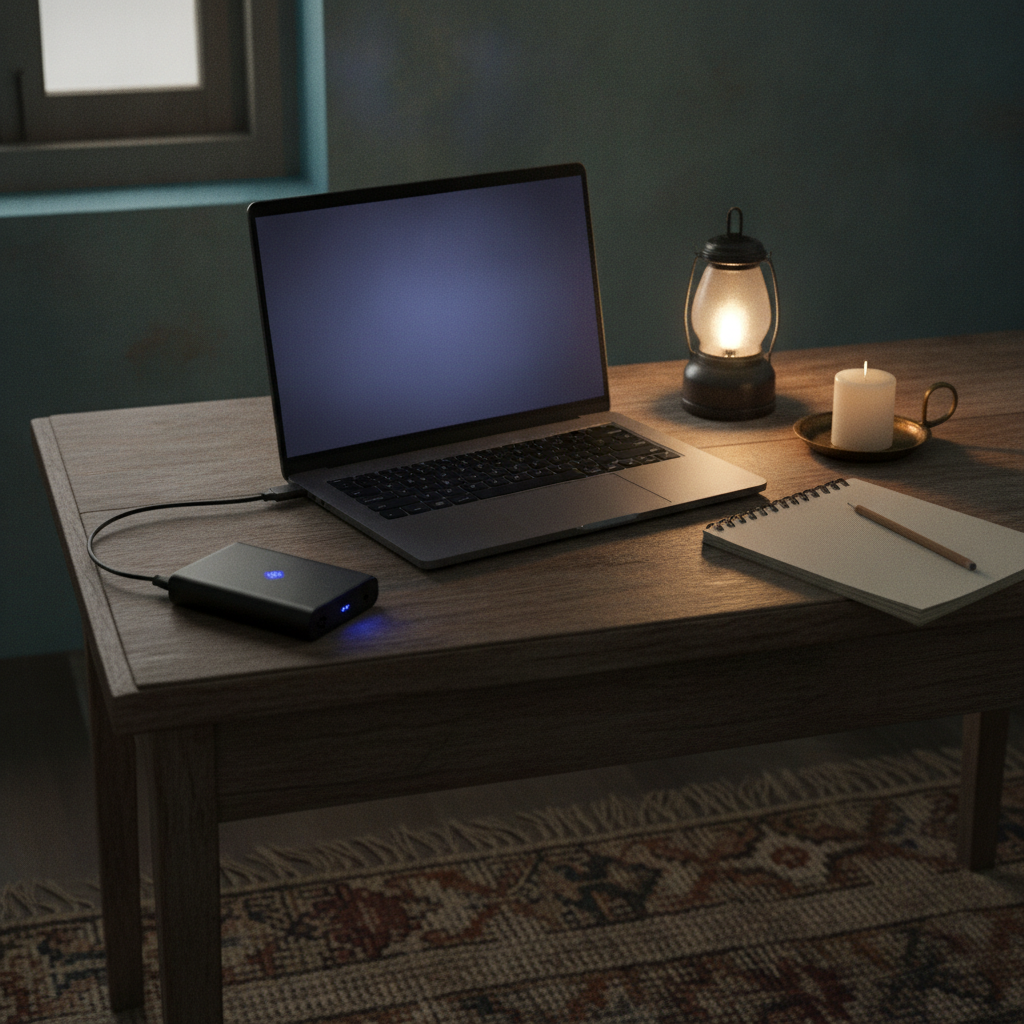
Buy this one if power cuts or back-to-back classes are your problem: a 47Wh battery (up to 12 hours claimed) and genuine USB-C Power Delivery 3.0, so a power bank works — unlike the two HP picks above. Ryzen 3 and 8GB handle calls and light coursework fine.
Watch the camera claim: Lenovo’s own listing says “FHD 720p with privacy shutter” — a contradiction, since FHD means 1080p. Shop this one for battery and charging, not resolution.
Pros
- USB-C Power Delivery charging actually works
- 47Wh battery, ~12-hour claim
Cons
- Camera is 720p despite the “FHD” wording
- Heavier than the Chromebook picks, ~1.62kg
Full Spec Comparison: Camera, Mic, Battery and Charging
One to avoid for back-to-back classes: the Dell Pro 15 (~₹50,990, Sept 2026) lists only “up to 6 hours” battery — thin for a full day.
| Model | CPU / RAM | Camera | Mic | Battery (claimed) | USB-C Charging | Weight | Price |
|---|---|---|---|---|---|---|---|
| ASUS Chromebook CM1405 | Kompanio 540 / 8GB | 1080p + shutter | Built-in | Not stated | Yes (PD) | 1.37kg | ~₹34,990 |
| Primebook 2 Pro | Helio G99 / 8GB | 1080p (listed) | Dual analog | Up to 14h (claimed) | Yes | 1.38kg | ~₹26,989 |
| HP Chromebook 14 | Kompanio 540 / 4GB | 720p + TNR | Dual-array | Not stated | Yes (PD) | 1.35kg | ~₹25,990 |
| HP 15 fc0499AU | Ryzen 3 7320U / 8GB | 1080p | Dual-array | 10.5h (claimed) | No (data only) | 1.59kg | ~₹49,750 |
| Lenovo IdeaPad Slim 3 | Ryzen 3 / 8GB | 720p + shutter | Dual-array | Up to 12h (claimed) | Yes (PD 3.0) | 1.62kg | ~₹52,990 |
Is 1080p Worth Paying For? Bandwidth, External Webcams and a Fake-Brand Warning
Usually not — Zoom and Google Meet both auto-cut video quality when your connection can’t support full resolution, so a 1080p camera often isn’t even sent at 1080p. Zoom’s guidance puts a 1080p group call at ~3.0 Mbps down/3.8 up; Meet needs ~3.2 Mbps up for HD and openly lowers quality when bandwidth is short. On a shared home connection or a hotspot, your camera’s rated resolution rarely reaches the other end anyway.
An external webcam is often the smarter fix: a 1080p USB webcam costs ~₹899–₹2,799 on Amazon.in — a fraction of the ~₹7,000 premium for a built-in 1080p camera. Watch for lookalikes, though: one search turned up a “L0GITECH” webcam (a zero for the O) at a real brand’s price. Check spelling, buy only the brand’s own listing. For kids on a Chromebook or Primebook, a wired earphone-mic often helps clarity more than any laptop mic.
Before You Buy: Check These Things First
- Read the brand’s spec sheet, not just the Amazon title — camera and battery figures sometimes conflict.
- Search the exact model number (“fc0499AU,” not “HP 15”) — the same name can span a ₹7,000+ gap.
- Check if USB-C says “power delivery” or “data transfer only” — only one charges the laptop.
- Double-check webcam brand spelling; buy only the brand’s own listing.
Windows, Chromebook or Primebook: Which Is Right for Online Classes?
For pure video-call use — Meet, Zoom, Teams, most coaching apps — Chromebook and Primebook options handle it far cheaper than Windows. Windows stays the safer default if your course needs desktop software or a proctored exam client.
Chromebooks and the Primebook cost ₹10,000–20,000 less than an equivalent Windows machine and still deliver a working camera and mic, but won’t run desktop Office, Tally or Windows-only proctoring. Google’s Chromebook Plus spec guarantees a 1080p-plus camera, but none sells under ₹50,000 here (September 2026). Our full students guide covers the four-way OS decision by course; MacBook works fine but starts above every budget here.
Which Laptop for Which Online Learner?
School Students on Coaching Apps
The Primebook 2 Pro or ASUS Chromebook CM1405 cover Physics Wallah, Unacademy or Google Classroom at a fraction of a Windows laptop’s price.
College Students and Online-Degree Learners
Check your institute’s proctoring needs first; a Windows-only lockdown browser means the HP 15 fc0499AU is safer. See our laptop for students guide for course-by-course matching, or our Best Laptop Under ₹50,000 guide for a ₹50,000 ceiling.
Working Professionals Doing Certifications
Battery life and USB-C charging matter more than camera resolution when you’re juggling work calls too — the Lenovo IdeaPad Slim 3’s Power Delivery charging fits best.
Tutors and Teachers
You’re on camera longer than students, so a 1080p camera with a shutter (CM1405 or HP’s fc0500AU) earns its keep, and a wired headset mic beats a laptop’s own. See our festive laptop deals guide for timing — both sales start 8 October 2026.
Frequently Asked Questions
Is 8GB RAM enough for online classes?
8GB RAM is enough for Zoom or Meet alongside a browser with several tabs — Zoom recommends a dual-core 2GHz+ processor with 8GB RAM. 4GB struggles once a second tab opens.
Is a Chromebook good for online classes?
A Chromebook handles Google Meet, Zoom’s web app and most coaching-app sites well, for less than a Windows laptop — a poor fit only if your institute needs Windows-only proctoring or software like Tally.
Do I need a 1080p webcam for online classes?
A 1080p webcam is a nice-to-have, not a requirement. Zoom and Meet both auto-lower video resolution when your connection can’t support full quality, so a good mic and steady lighting matter more.
How much internet speed do I need for online classes?
Zoom recommends ~3.0 Mbps down / 3.8 up for a 1080p group call; Meet needs ~3.2 Mbps up for HD, scaling to ~4.0 Mbps down with ten participants.
Can I attend online classes on a Primebook?
Yes — the Primebook runs Zoom, Meet, Teams and most Indian coaching apps via their Android versions on PrimeOS. It won’t run Windows-only desktop software or proctoring clients, so check your institute first.
What’s the cheapest laptop that’s actually usable for online classes in 2026?
The honest cheapest usable option in 2026 is a Chromebook or Primebook — the HP Chromebook 14 (~₹25,990) or Primebook 2 Pro (~₹26,989). A new Windows laptop with a genuinely good camera now starts around ₹48,000–50,000.
Is a Ryzen 3 or Core i3 processor enough for online classes, or do I need an i5?
A Ryzen 3 or i3-class processor is enough for video calls, browsing and note-taking — Zoom only recommends a dual-core 2GHz+ chip. Spend the extra budget on RAM and camera quality instead of an i5.
Ready to buy? Check today’s Amazon.in price:
Affiliate disclosure: This article contains affiliate links. TheTechVector may earn a commission if you purchase through these links, at no additional cost to you. As an Amazon Associate, we earn from qualifying purchases. We only recommend products we have researched independently. Prices correct at time of publication — always check the retailer’s site for the latest price. Last reviewed: September 2026.

Written by Vaibhav Kulkarni
Vaibhav is the founder and technical editor of TheTechVector, with 15 years’ experience in quality engineering and software testing. He applies that background to auditing spec sheets, comparing price-to-performance, and checking hardware compatibility across our India laptop and TV buying guides. All prices are checked before publication — if something’s out of date, let us know.